Information kiosks with on-site wayfinding
The kiosk stands where visitors ask for directions: at the entrance, in the lobby, by the lifts or at the gate. It shows the site map, finds places and people, and plans the route from where it stands.
Free-standing, wall-mounted and totems
Addictive offers a wide range of kiosks in indoor and outdoor versions. For sites with specific requirements, it designs turnkey kiosks that fit the architecture and visual identity of the place.
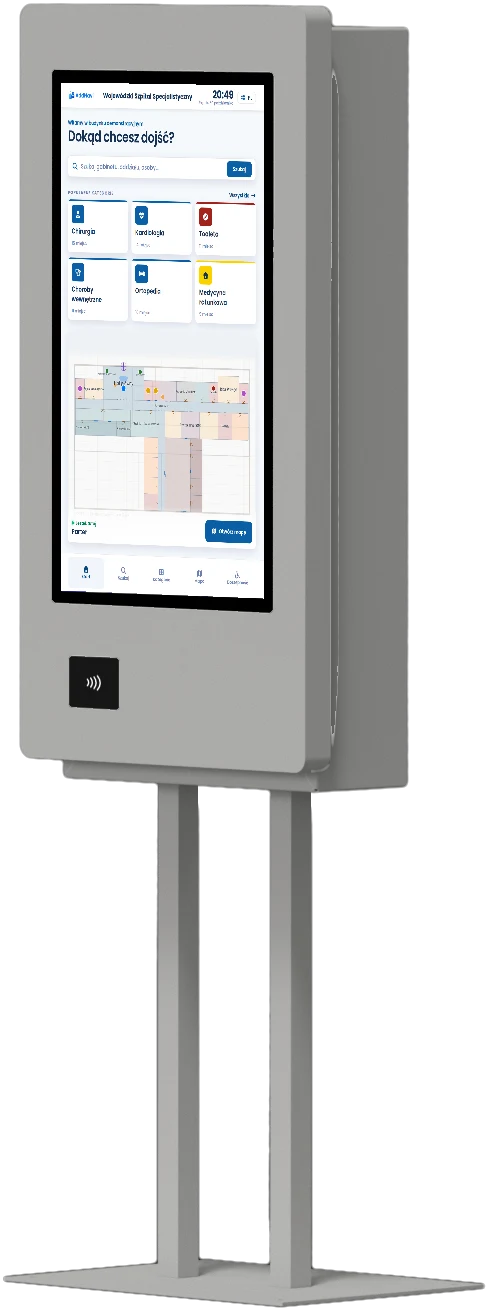
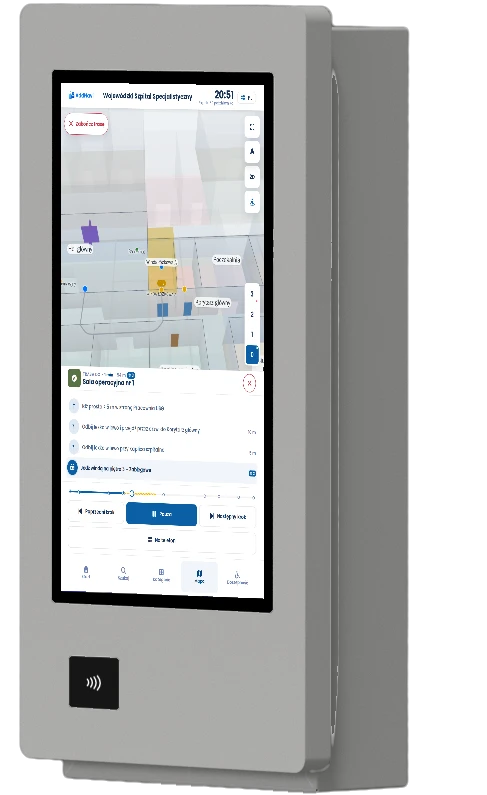
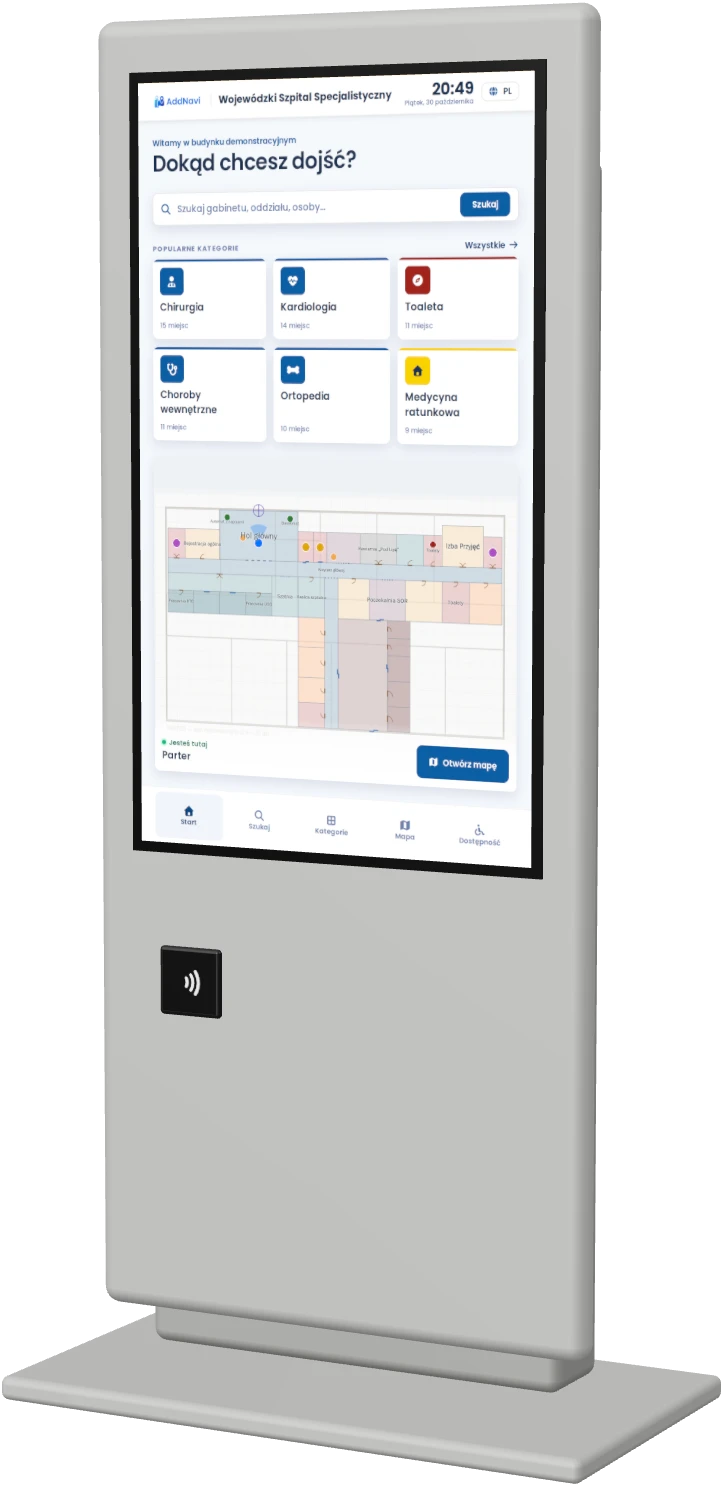
Example proposals from the available models.
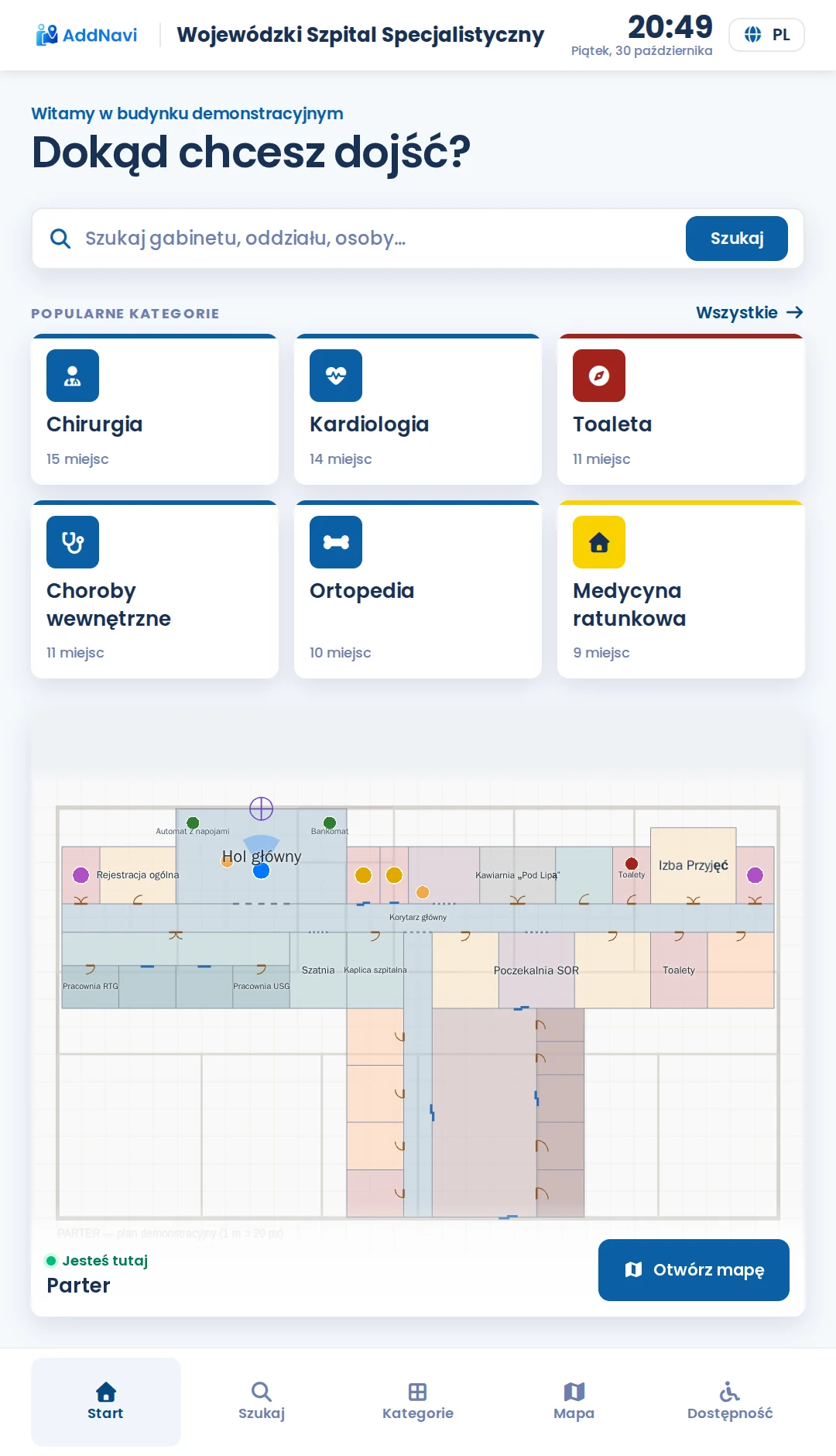
What the kiosk screen shows
The site map in 2D and 3D, search for places and people, and a step-by-step route with landmarks. Next to the route is a QR code that moves it to the phone.
- Opening hours, events and promotions
- Health and safety instructions before entering an industrial site
- Guest registration in an office building, together with the route to the room
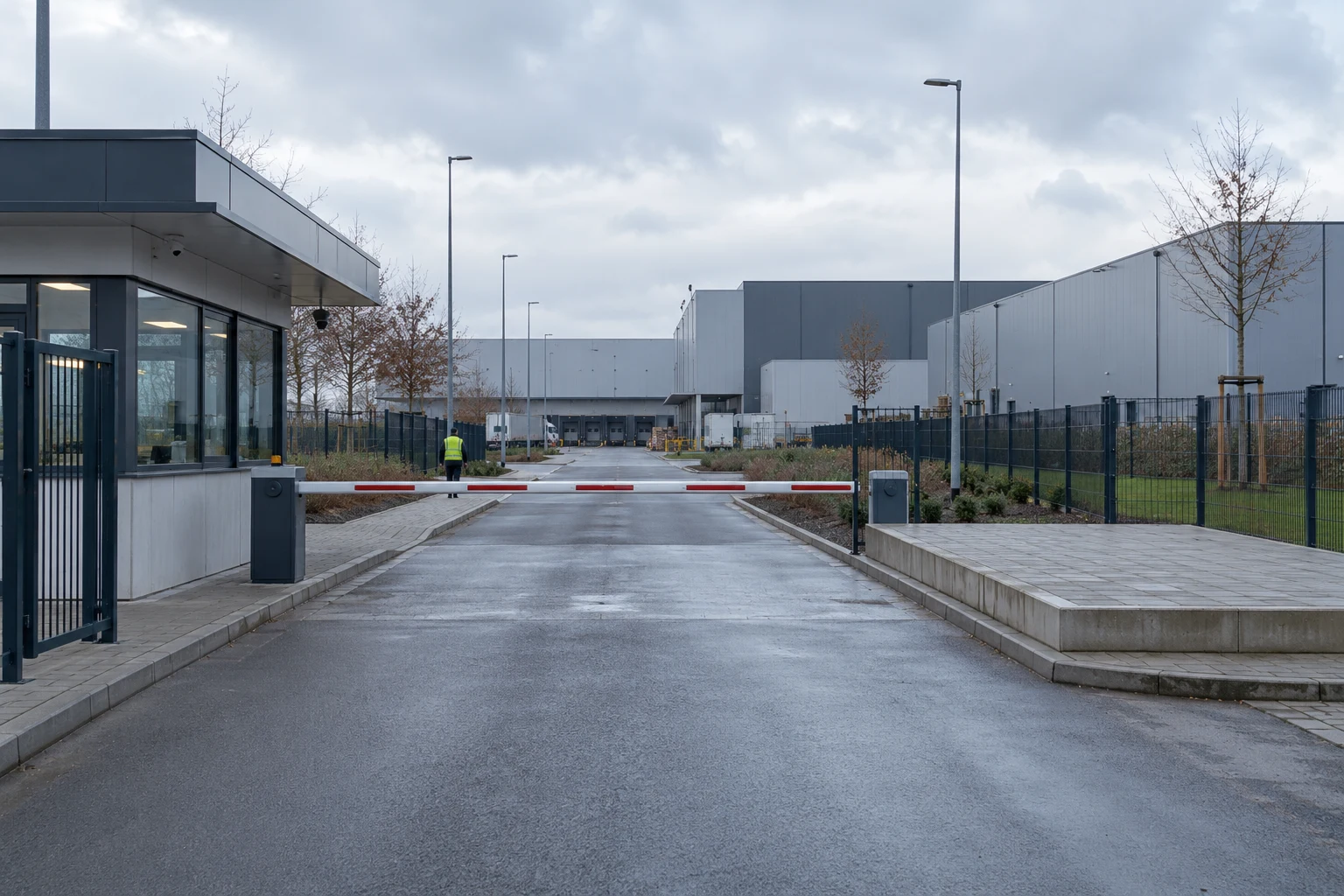
Outdoor kiosks
Outdoor kiosks are weather- and vandal-resistant, and their screens are readable in full sunlight. They stand at an industrial site gate, on a campus or at the entrance to a resort.
Kiosk accessibility
The kiosk application meets WCAG 2.2 at level AA. Accessibility mode works on every kiosk. Voice, the induction loop, the interpreter and physical buttons depend on the kiosk model and its equipment.
Controls within reach
The mode is switched on with a button on the bar at the bottom of the screen. All controls and lists then move to the lower part of the screen, which a wheelchair user can reach while seated.
Larger text and higher contrast
The same button enlarges the text and touch targets and raises the contrast. This helps people with low vision, older visitors and anyone who finds small buttons hard to hit.
Step-free routes
The kiosk then skips the lift-or-stairs question and routes by lift straight away. If the destination cannot be reached without stairs, it says so before the visitor sets off.
More time
In accessibility mode the kiosk waits longer before returning to its start screen. The mode then switches off, so the next visitor starts with the standard view.
Voice guidance
A kiosk with a speaker reads out the route directions. This helps blind visitors and people with low vision, and also those who cannot read the local language.
Induction loop
At a kiosk with a loop, a hearing aid user switches the aid to the T setting and hears the kiosk’s sound directly in the aid, without the noise of the hall.
Sign language interpreter
For many deaf people Polish Sign Language is their first language, and written Polish is a foreign language to them. A kiosk with a camera connects them to a sign language interpreter by video.
Keypad and physical buttons
Blind visitors and people who find it hard to hit the screen, for example because of a hand tremor, operate the kiosk with a keypad or physical buttons, where the kiosk model has them.
More features
Hygiene
Screens withstand daily disinfection, and enclosures and screens are available with an antibacterial coating.
Site identity
The site’s colours and logo on the kiosk screen, the phone and the map.
Monitoring and updates
Kiosks are monitored around the clock, and their software is updated remotely.
Hardware service
Addictive services the kiosks, with service levels set out in the SLA.
Several services on one kiosk
A kiosk can combine wayfinding with other Addictive services, such as visitor handling.
Integrations
The kiosk can use data from the site’s systems, such as queue management, hospital or delivery booking systems.
Frequently asked questions
Where is the best place for a kiosk?
Where visitors start looking for their way: at entrances, in lobbies, by the lifts and at the gate. Kiosk locations are agreed at the start of the deployment, together with the QR code locations.
Can the kiosk’s design match the site?
Yes. The screen uses the site’s colours and logo, and for sites with specific requirements Addictive designs turnkey kiosks that fit the interior architecture.
Who services the kiosks?
Addictive. Service levels are set out in the SLA, and the kiosks are monitored around the clock and updated remotely.
Can a kiosk stand outdoors?
Yes. Outdoor kiosks are weather- and vandal-resistant, and their screens are readable in full sunlight.
AddNavi by industry
Talk to an expert
An AddNavi expert will discuss the specifics of the site and tailor the scope of the deployment.
- E-mailhello@addnavi.com
- Phone+48 51 500 60 70
- AddressAddictive Group Sp. z o.o.
al. Józefa Piłsudskiego 92, 92-202 Łódź, Poland